.svg)


Most small business owners I work with initially search for a CRM but realize after talking through their needs that what they actually need is a way to manage existing clients rather than find new ones. That distinction matters more than most people think, and it shapes which tool you should actually be using.
CRM vs Client Management Software: Not the Same Thing
These two terms get used interchangeably everywhere, but they solve different problems.
A CRM (Customer Relationship Management) focuses on the pre-sale side of your business: managing leads, tracking sales pipelines, running marketing campaigns, and converting prospects into paying clients. It is built for growth.
Client management software focuses on what happens after the sale: onboarding new clients, managing contracts and invoices, tracking project progress, keeping communication organized, and maintaining long-term relationships. It is built for service delivery.
If your problem is "I need more clients," you need a CRM. If your problem is "I already have clients and everything feels chaotic," you need client management software. This article covers the second one.
What to Look for in Client Management Software
Three things matter most for small businesses specifically.
Everything in one place. The goal is to stop running your client relationships across five different tools. The right platform handles contracts, invoicing, communication, and project tracking without requiring a separate subscription for each.
A client-facing experience. Good client management software gives your clients somewhere to go: a portal where they can sign documents, pay invoices, see project status, and message you without digging through email threads. That experience reflects directly on your business.
Setup that doesn't take a month. Small businesses don't have a dedicated operations team to configure software. The tools on this list range from genuinely quick to set up (Capsule, HubSpot) to more involved but more powerful (Dubsado, Assembly). Knowing which you're signing up for before you commit saves significant time.
The 5 Best Client Management Software Tools for Small Business in 2026
1. Dubsado
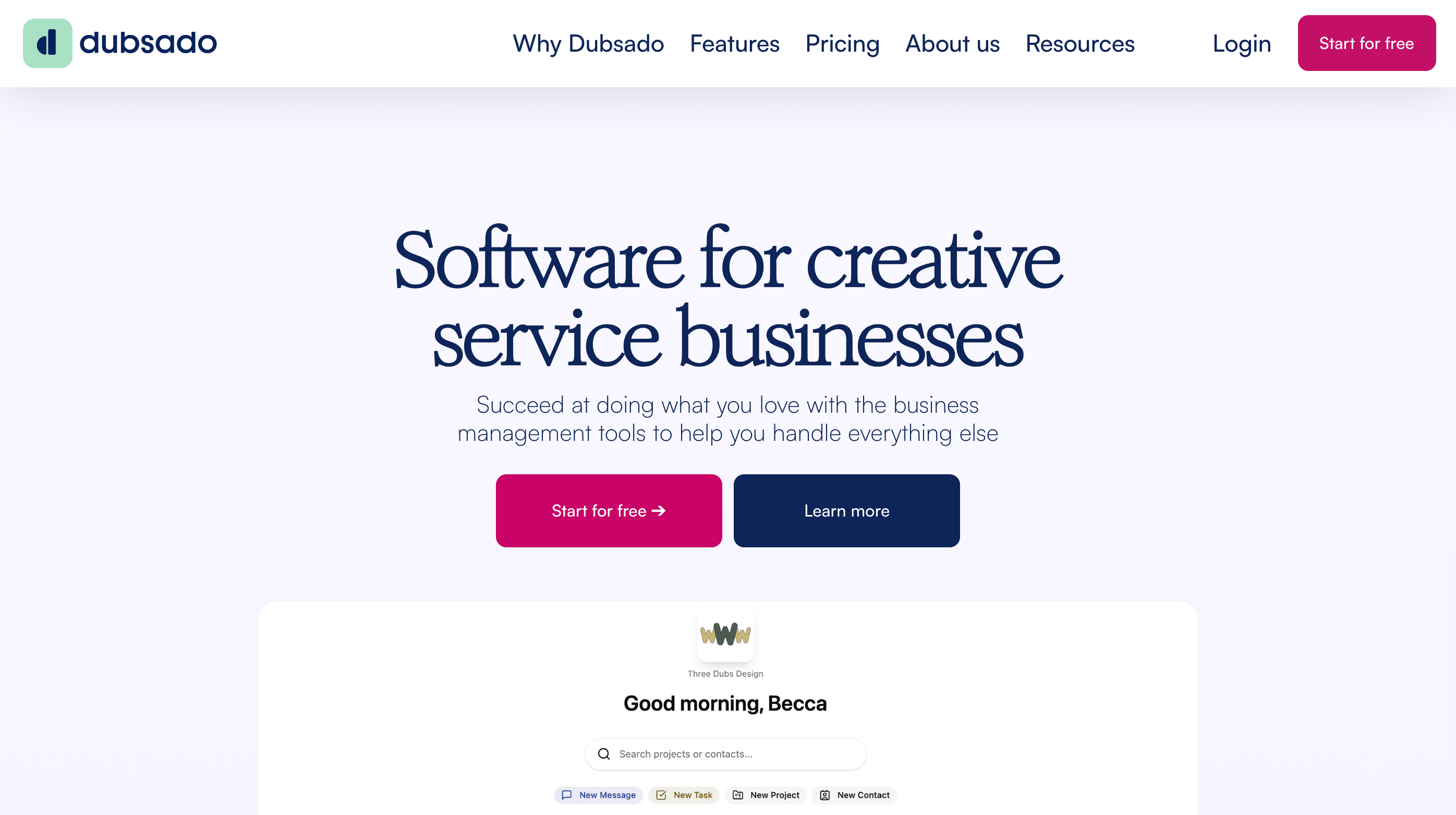
Best for: Service businesses and solopreneurs who want to automate their entire client workflow
Starting at $20/month. Free trial available (no time limit, limited to 3 clients).
Dubsado is the most powerful client management tool on this list and the one that takes the most effort to set up. Once configured, it runs your entire client process without manual intervention: inquiries trigger automatic responses, signed contracts trigger invoices, and payment triggers onboarding emails. The depth of automation is unmatched at this price point. Though a separate email marketing software provides more sophisticated campaign management if you not only want to manage internal client relationships but also want to build, segment and nurture a broader audience with targeted campaigns and advanced marketing automation.
One consulting client I worked with started using Dubsado specifically for invoicing because that was the immediate pain point. A few weeks in she realized the same platform handled contracts, client questionnaires, scheduling, project workflows and team coordination tasks that can otherwise require separate workforce management platforms. Once she had it configured, it replaced four separate tools she had been paying for and juggling across her business.
Where Dubsado struggles is the setup phase. Building out workflows and customizing forms takes time, and the learning curve is steeper than any other tool on this list. It rewards the investment fully once it is running, but it is not the right choice if you need something operational this week.
Best suited to: Solo service providers, creative professionals, consultants, and coaches (though coaches should also check out the dedicated best coaching software comparison). Works best for established small businesses with repeatable client workflows rather than those just getting started.
Differs from others on this list: The deepest automation of any tool here. No other platform lets you build end-to-end triggered workflows at this price.
2. Capsule CRM
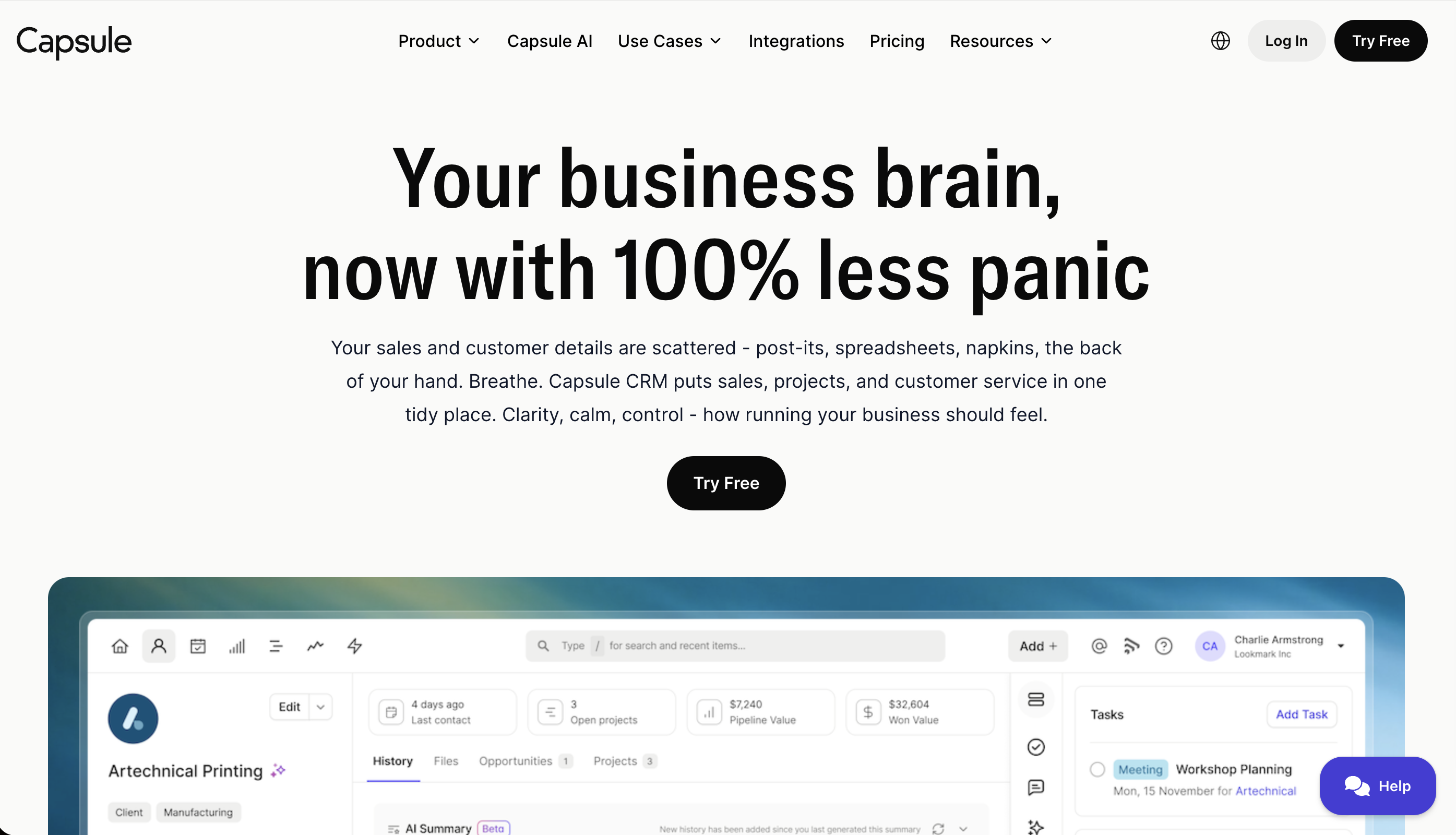
Best for: Small businesses that want clean, simple client relationship management without complexity
Starting at $18/user/month. Free plan for up to 2 users and 250 contacts.
Capsule sits in a slightly different category from Dubsado. Where Dubsado focuses on automating service delivery workflows, Capsule focuses on organizing and maintaining client relationships over time. It gives you a clean view of every client: their full communication history, notes from every interaction, tasks and follow-ups, and a simple pipeline if you need one.
The interface is genuinely modern and easy to navigate. Most small business owners can be up and running within an afternoon. It integrates well with tools you are likely already using, including accounting software integration like QuickBooks or Xero, Mailchimp, and Google Workspace, which matters when you are not looking to replace your entire stack.
Capsule does not handle contracts or client portals natively, so it works best alongside other tools rather than as a complete replacement for everything. Think of it as the organized backbone of your client relationships rather than an all-in-one delivery platform.
Best suited to: Consultants, small agencies, and service businesses managing ongoing client relationships who want a tool that is simple enough to actually get used consistently. Good for businesses at any stage that value clean organization over heavy automation.
Differs from others on this list: The simplest and most relationship-focused tool here. Best if you want clarity and organization without a steep setup investment.
3. Assembly (formerly Copilot)
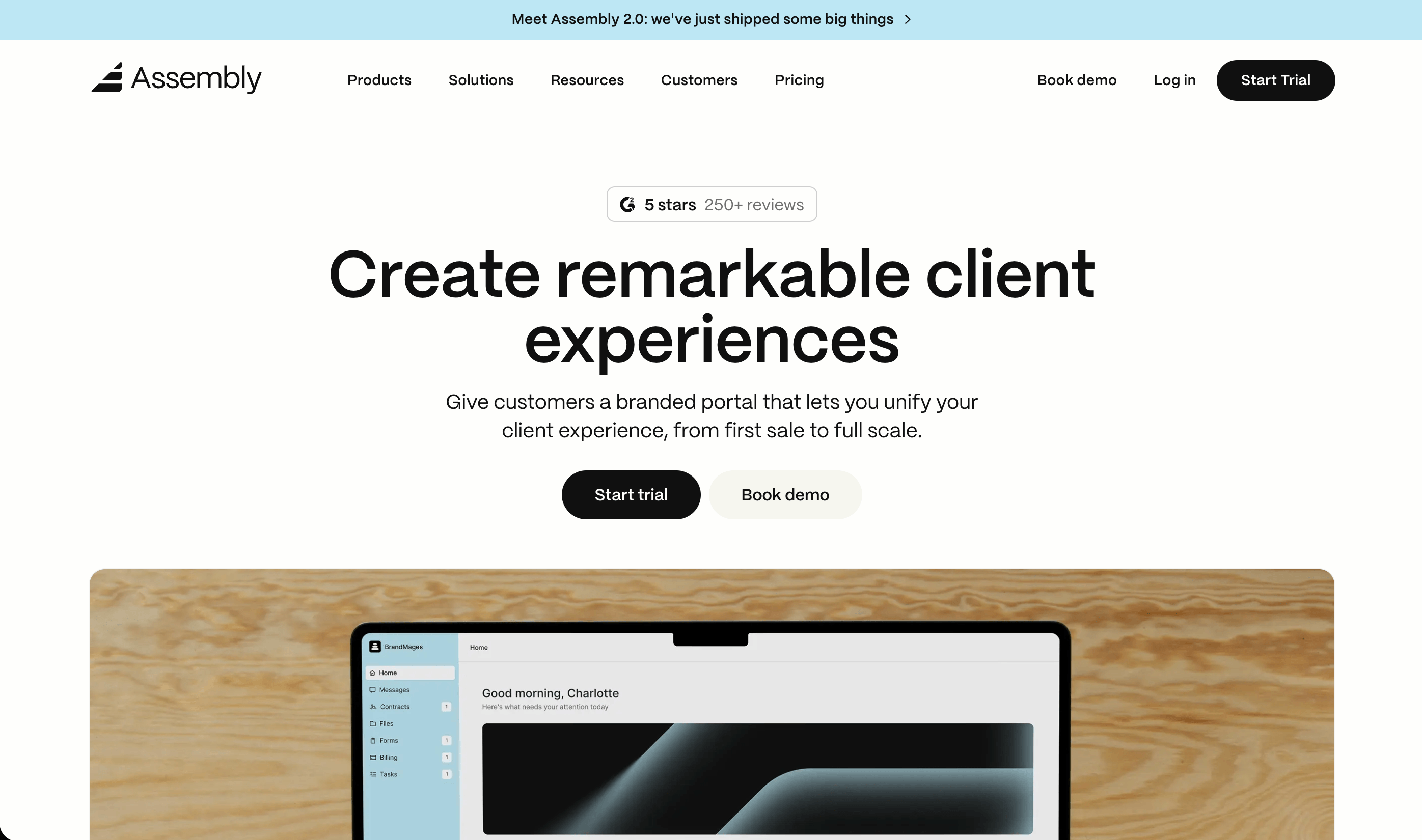
Best for: Service businesses that want to give clients a polished, branded portal experience
Starting at $39/month. 14-day free trial, no credit card required.
Assembly was known as Copilot until September 2025, when it rebranded. The reason: Microsoft Copilot had become so dominant that the original name made them almost impossible to find in search. The platform itself did not change, only the name.
What Assembly does better than anything else on this list is the client-facing experience. Clients get a branded portal where they can access documents, sign contracts, pay invoices, message your team, and view project progress, all without needing to remember a password thanks to magic link authentication. For service businesses where the client experience is part of what they are selling, that level of polish matters.
Assembly is also the only tool on this list with a built-in AI assistant. The Assembly Assistant (currently in beta) handles back-office tasks: drafting client communications, automating repetitive admin work, and helping teams move faster without adding headcount. For small businesses that want to start benefiting from AI in their client operations without stitching together separate tools, that is a meaningful advantage built directly into the platform.
The platform is growing quickly and the AI capabilities are expanding. What is available today is already useful; what is coming in the next 12 months positions Assembly as one of the more forward-looking options in this space.
Best suited to: Consultants, accounting firms, marketing agencies, legal professionals, healthcare adjacent businesses, and any service business where the client experience needs to look polished and professional. Particularly important for businesses with compliance requirements.
Differs from others on this list: The best client portal experience of any tool here, and the only HIPAA compliant option. Less focused on internal workflow automation than Dubsado, more focused on what the client sees and experiences.
4. Plutio
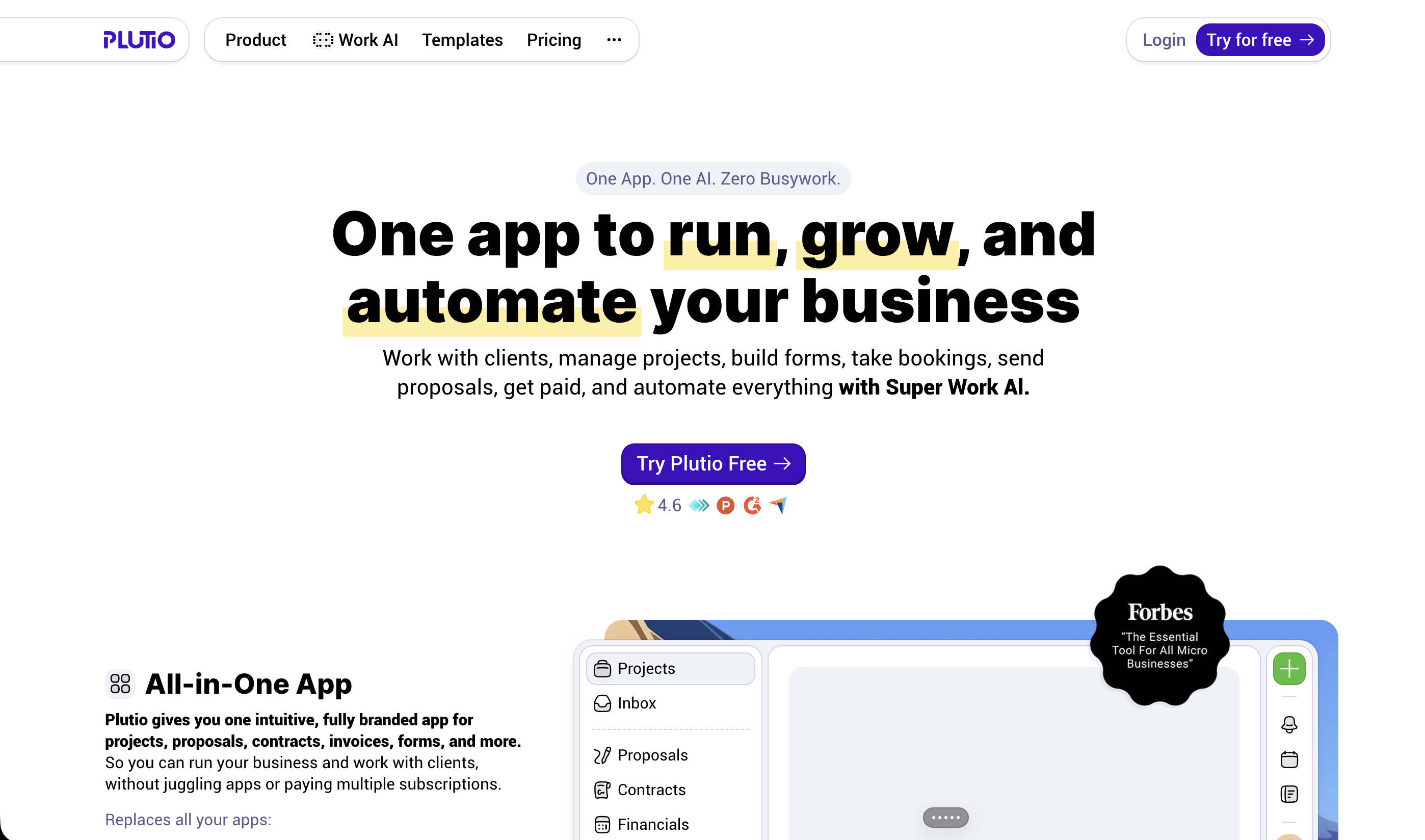
Best for: Small service businesses and solopreneurs who want an all-in-one platform at a low flat rate
Starting at $19/month flat (not per user). Free trial available.
Plutio covers a lot of ground at a price point that is hard to argue with: proposals, contracts, invoicing, time tracking, client portals, project management and messaging all in one subscription with no per-user fees. For a solo operator or small team, that flat rate model means costs stay predictable as the business grows.
The platform sits between Dubsado and Capsule in terms of complexity. It is more capable than Capsule but easier to set up than Dubsado. The client portal is functional and gives clients a place to view projects, approve proposals, and pay invoices, though it is less polished than Assembly's.
Plutio is less well-known than the other tools on this list, which is partly why it deserves a mention. It does not show up in most competitor articles because it does not have the marketing budget of HubSpot or the brand recognition of Dubsado. But for a small service business looking for a capable, affordable all-in-one tool, it is worth a proper look.
Best suited to: Solopreneurs, small creative teams, and early-stage service businesses that need broad functionality without the cost of per-user pricing. Works well for businesses billing hourly who need built-in time tracking alongside client management.
Differs from others on this list: The only flat-rate all-in-one tool here. Best value per feature for solo operators and very small teams.
5. HubSpot
Best for: Small businesses just starting out who want to test client management without paying anything
Free plan available. Paid plans from $20/user/month.
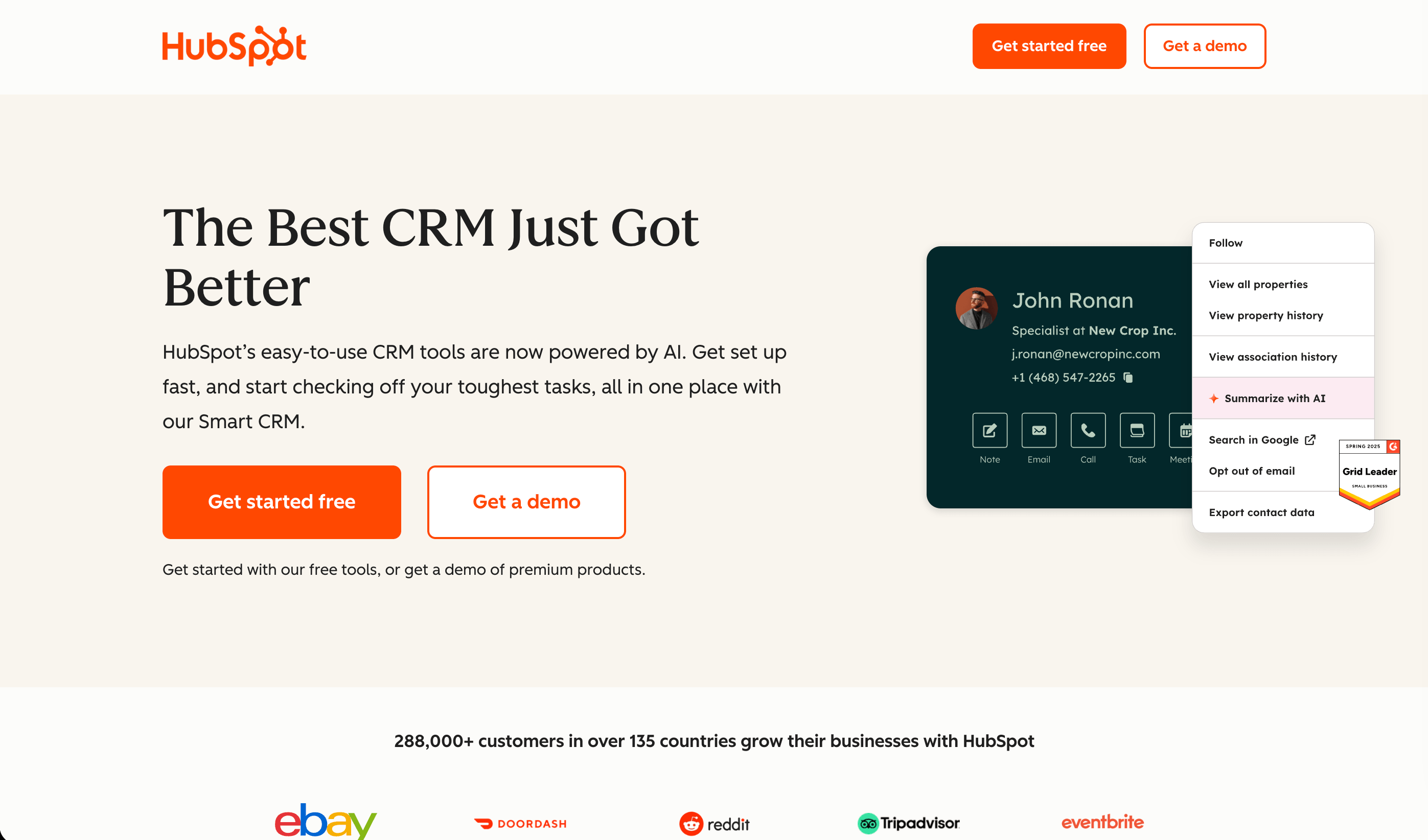
HubSpot's free CRM is a genuinely useful starting point for small businesses that are not yet ready to commit to a paid client management platform. Contact management, communication history, task tracking, and basic pipeline management are all available at no cost. For a business with fewer than 10 active clients that needs a way to stay organized without spending money, it works well.
The honest caveat: HubSpot is fundamentally built for pre-sale activity. Lead management, marketing campaigns, and pipeline tracking are where it excels. Using it for post-sale client management is possible but it starts to feel like the wrong tool once you need contracts, client portals, or structured onboarding workflows. Those features are either absent or locked behind paid tiers that escalate quickly.
HubSpot makes the most sense as a starting point or as a bridge while you figure out what you actually need. Most small businesses outgrow it for client management purposes within 6 to 12 months of consistent use.
Best suited to: Businesses at the very start of their journey who need basic client organization at no cost. Also useful for businesses that already use HubSpot for sales and want their client records in one place before investing in a dedicated tool.
Differs from others on this list: The only free option. Built more for growth than service delivery, which makes it the natural entry point but not the long-term home for most service businesses.
One Thing Worth Saying
Most small businesses buy client management software later than they should. The usual pattern is: spreadsheets, then overwhelm, then a rushed purchase of whatever comes up first in search. That first result is usually HubSpot or a generic CRM, which then does not quite do what was needed, leading to a second switch 6 months later.
Starting with a clearer sense of whether you need pre-sale or post-sale tooling saves that second switch. If you are managing more than 5 active clients and feeling the admin strain, the tools above are worth a proper look now rather than after things break.
👉 Managing leads and incoming clients rather than existing ones? The best CRM for small business comparison covers the pre-sale side of the stack. And if you have tried HubSpot and are looking for something more suited to your needs, the HubSpot alternatives guide is worth reading.
Frequently Asked Questions About Client Management Software for Small Business
More from
Tools and Apps
category