.svg)


The best CRM for small business is the one your team will actually use instead of returning to a spreadsheet. I have used folk, Streak, Pipedrive, and Monday.com, and each feels very different day to day: Pipedrive is my pick for a straightforward, visual B2B sales pipeline; Monday CRM is better when your agency or partner team needs highly customized workflows; folk is the lightest, most intuitive option for relationship-led work; and Streak makes the most sense only if your team genuinely works from Gmail.
Every CRM software option below has a free trial. My advice is simple: have the people who will use it every day sign up, add a few real or sample leads, move them through your actual sales process, and vote on the one that feels easiest to adopt. If the dashboard feels old-fashioned, too complicated, or unnatural for how your team works, you will not use it for long, no matter how impressive the feature list looks.
What is CRM software?
CRM software, short for customer relationship management software, helps a business track leads, contacts, sales opportunities, follow-ups, and deals before a prospect becomes a client.
For a small agency or growing B2B team, a CRM should answer a few basic questions quickly:
- Who are we talking to?
- What stage is each opportunity at?
- What needs to happen next?
- Who owns the follow-up?
- Which deals are likely to close?
A CRM is mainly for the pre-sale part of the customer journey. If your bigger problem begins after a sale, client onboarding, contracts, invoices, project delivery, and client communication, you may also need client management software.
The mistake I see most
One of my consulting clients chose Salesforce when they were a team of five. They paid for it for six months before realising they only needed a clear way to manage around nine active leads at a time.
That was not a Salesforce problem. It was a fit problem.
Many small businesses choose a CRM based on the longest feature list or the tool they imagine they will need in three years. In practice, the best CRM system for small business is usually the simplest one that matches the team's current sales process and is easy enough to open every morning.
I have used several of the tools below, and they are not interchangeable. The right choice depends on whether your team sells through relationships, Gmail, a structured sales pipeline, or a more flexible operational workflow.
Best CRM systems for small business at a glance
1. folk: Best lightweight CRM for relationship-led teams

Best for: Consultants, boutique agencies, founders, and small B2B teams that sell through introductions, LinkedIn, partnerships, and relationship-based outreach.
I have used folk and found it very easy to use, intuitive, and light. That is its biggest advantage. It does not feel like an enterprise CRM you need to study before you can begin; it feels closer to an organised, more capable version of the contact lists and relationship tracking many small teams already use.
I would consider folk if your agency's sales process involves keeping track of warm leads, contacts, conversations, and follow-ups without needing heavy reporting or complex sales operations. It is especially appealing when the alternative is a messy spreadsheet with no clear ownership or next step.
The limitation is that folk is not the strongest choice here for a team that needs a classic, structured sales pipeline with deep forecasting, complex reporting, or a large integration ecosystem. If your B2B pipeline is becoming more formal and high-volume, Pipedrive may be a more natural next step.
Try folk if: Your sales come from relationships and your team wants a simple CRM it can start using quickly.
2. Monday CRM: Best for customizable agency workflows
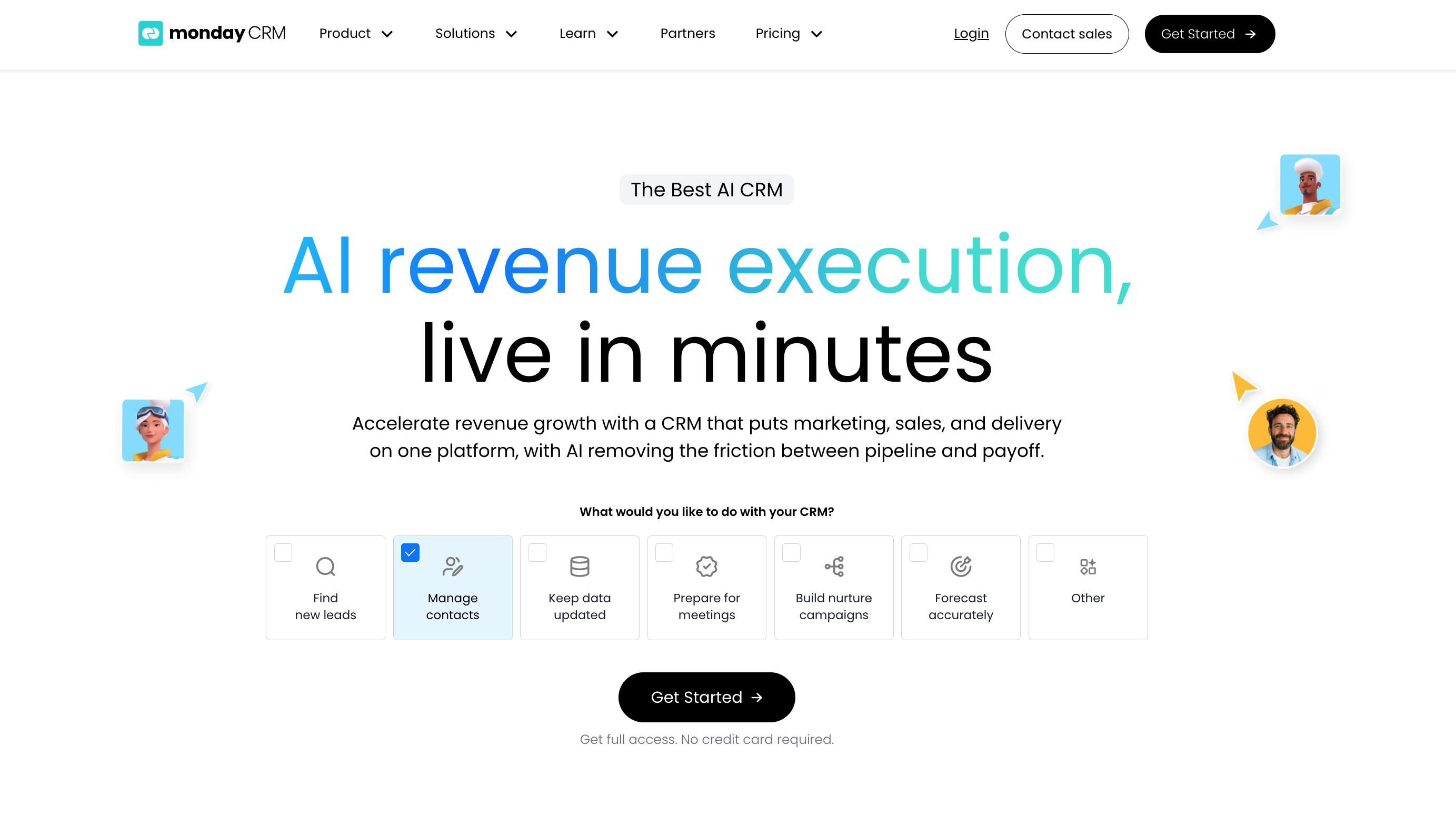
Best for: Small agencies and B2B partner teams that need sales to connect with customized processes beyond the pipeline.
I have used Monday.com and found it notably flexible. You can customize boards, fields, pipeline stages, automations, and workflows around how your business actually works. That makes it a strong choice when a sale does not end at "closed won" but flows into onboarding, account setup, delivery, client collaboration, or partner management.
That flexibility is also the trade-off. Monday CRM has many features and can do far more than a simple pipeline tool, so it may take more thought to configure than Pipedrive. If you only need to track a small number of leads through a straightforward sales process, more customization may not make you more productive.
I would shortlist Monday CRM if your agency is tired of passing work between separate tools after the sale, or if you need a CRM that can reflect a non-standard workflow. Community feedback often praises Monday's adaptable workflows, while also warning that teams can create too much complexity or find the pricing less attractive as seats and requirements grow.
Try Monday CRM if: Your business needs sales, client handover, and operational work to live in a flexible shared system.
3. Streak - Best CRM for teams that live in Gmail

Best for: Small agencies, consultants, recruiters, and B2B teams that already run most prospect communication through Gmail or Google Workspace.
I have also used Streak, and its appeal is very specific: it is for people who actually use Gmail as the centre of their workday. Rather than asking your team to open a separate CRM dashboard, Streak puts CRM functions directly inside the inbox.
Some teams love that because there is almost no context switching. Emails, contact records, pipeline stages, and follow-ups are tied closely to the place where conversations already happen. Other people will not like it because they want a dedicated dashboard and a more visual, standalone pipeline. Neither reaction is wrong, it comes down to working style.
I would not choose Streak simply because it is "easy." I would choose it only if Gmail is already where your team naturally manages sales activity. Otherwise, its inbox-first setup can feel limiting compared with Pipedrive or Monday CRM.
Try Streak if: Your team already spends most of the day in Gmail and wants CRM tracking without another tab.
4. noCRM: Best CRM for next-action sales management

Best for: Small B2B sales teams that want every lead tied to a clear next action rather than a large contact database.
noCRM takes a different approach from traditional CRMs. Its focus is less on maintaining perfect records and more on helping salespeople answer: "What do I need to do next to move this lead forward?"
That can be useful for small teams doing outbound prospecting, lead follow-up, and sales activity where speed matters more than detailed account reporting. Its action-led approach is also a sensible alternative for teams that have tried heavier systems and found themselves spending more time updating fields than talking to prospects.
I have not personally used noCRM, so I would treat this as the tool on this list to test most carefully against your own workflow. Start the trial, create a few representative leads, and see whether its action-first structure helps your team or feels too restrictive.
Try noCRM if: Your team loses deals because follow-ups slip, not because it lacks more CRM features.
5. Pipedrive: Best CRM for a visual B2B sales pipeline
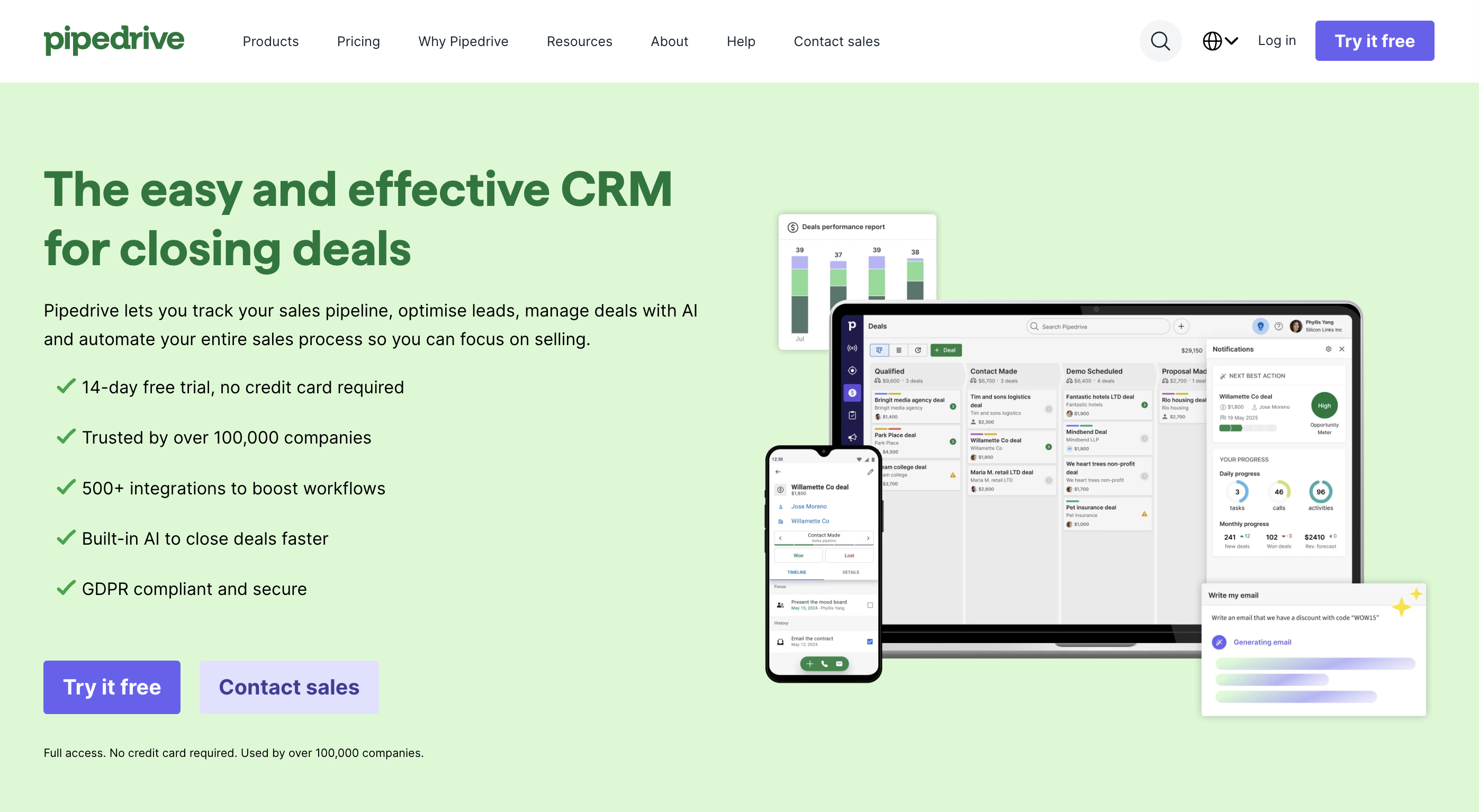
Best for: Growing B2B, partnership, and small-agency teams with a consistent flow of deals to track.
I used Pipedrive while working at a larger company and used it heavily because it was intuitive and user-friendly. Of the dedicated sales CRMs here, I think it is slightly easier to use than Monday CRM when the job is simply managing deals through a defined pipeline.
The visual board is the main strength. You can see opportunities clearly, move them between stages, assign owners, record activity, and identify what needs attention without building a complicated setup first. That clarity makes Pipedrive a strong default for a growing B2B team that needs shared visibility and consistent follow-up.
Pipedrive is not necessarily the best choice if your sales process needs to blend deeply into custom project delivery, operations, onboarding, or other non-sales workflows. Monday CRM gives you more flexibility there. But if sales is the primary problem you need to solve, Pipedrive is likely the simplest dedicated option to trial first.
Try Pipedrive if: You want a clean, visual pipeline that a growing sales or partnerships team can adopt quickly.
My advice: test before you choose
What is the best CRM for small business? There is no honest one-size-fits-all answer.
I have used folk, Streak, Pipedrive, and Monday.com, and the experience of using each is different enough that I would not choose based on comparison tables alone. A CRM that looks excellent in a review can still fail if your team finds it confusing, dated, too rigid, or too complicated.
Use the free trials to run the same short test in each tool:
- Add five sample leads that reflect your actual prospects.
- Build your real pipeline stages, not generic stages you will never use.
- Assign a next action and owner for every lead.
- Send or log a realistic follow-up.
- Ask each team member whether they would prefer using it over the current spreadsheet.
- Vote before you pay.
The best CRM software for small business is the one that turns follow-ups into a shared habit, gives your team visibility, and does not create a new admin job. If your team will not use it, it is not the best CRM system for your business.
FAQs about Best CRM for Small Business
More from
Tools and Apps
category