.svg)


Managing a remote team across states or countries demands software that unifies HR, payroll, compliance and often IT in one system. The best workforce management software for remote teams in 2026 includes Deel, Rippling, Remote, Oyster HR, Papaya Global and Payoneer Workforce Management, each strong for different use cases.
Quick answer
For most US-based companies with distributed employees and contractors, Deel is the safest all‑round choice thanks to its low‑cost HRIS, wide EOR coverage and transparent pricing. If you want HR, payroll and IT device/app management in one operating system, Rippling is the best unified workforce platform. For enterprise teams running 50+ international employees across many countries, Papaya Global or Remote offer deeper payroll analytics and specialist EOR coverage.
If your main challenge is specifically global payroll and EOR rather than the full HR/IT stack, see our global payroll services comparison for a deeper dive on that angle.
What is workforce management software for remote teams?
Workforce management (WFM) software helps you schedule, track time, manage attendance and stay compliant with labor laws. For remote teams, it typically extends to global hiring, multi‑state or multi‑country payroll, Employer of Record (EOR) services, contractor management and sometimes IT provisioning and device management.
It differs from project management tools (like Asana or Trello) by focusing on the employee lifecycle and compliance rather than tasks and deadlines, and from basic HRIS by adding scheduling, time tracking and often global payroll/EOR capabilities.
How we chose these tools
This list focuses on platforms that are strong for US companies managing remote or hybrid teams, including internationally distributed workforces. Tools were evaluated on:
- US and international coverage: Multi‑state payroll and EOR in 50–150+ countries.
- Feature depth for remote work: HRIS, global payroll, EOR, contractor management, time tracking, and for some, IT/device management.
- Pricing transparency and total cost: Published USD pricing where possible and realistic total cost including modules and fees.
- Adoption and reviews: Strong presence in 2026 comparisons and positive user feedback on G2, Capterra and similar sites.
Top workforce management platforms at a glance
Best workforce management software for remote teams
1. Rippling – Best unified HR, IT and payroll platform
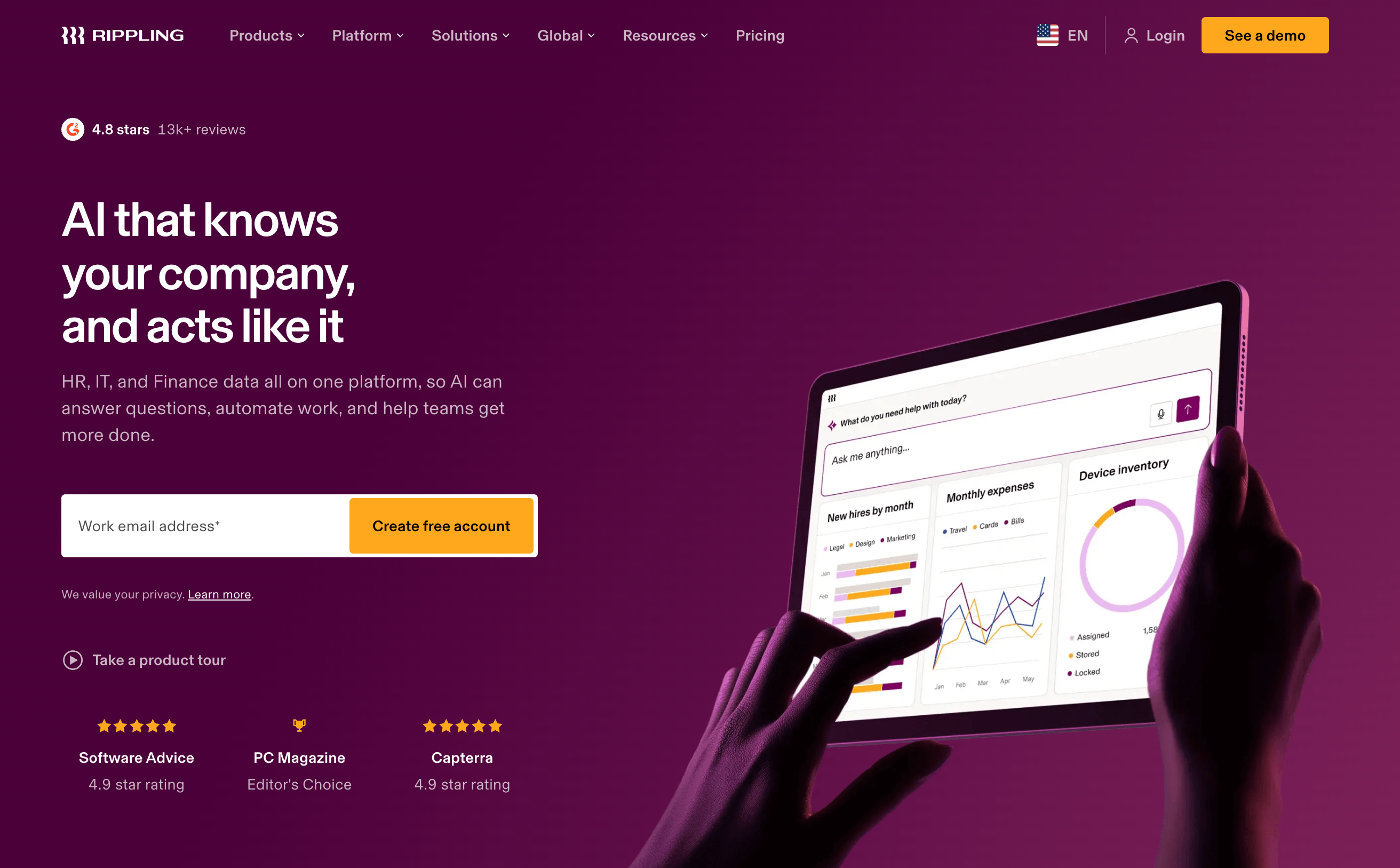
Best for: Remote teams that want HR, payroll and IT (devices, apps, access) running from one employee record.
Key features for remote teams:
- Unified HRIS, US multi‑state payroll, global contractor management and EOR in roughly 50–80 markets.
- IT device management, identity and access management, and app provisioning tied to hiring and offboarding workflows.
- Deep automation across the employee lifecycle and 500+ integrations.
Pricing (2026):
- Core HRIS (Unity platform): around $8 per employee per month plus a base platform fee reported around $35–$40 per month.
- US payroll module: roughly $35 per employee per month on top of the base, putting total payroll cost near $43+ PEPM plus base fee in many setups.
- EOR: typically $499–$599 per employee per month, plus modular fees and platform costs.
Who should choose this: Companies consolidating a messy stack of HR, payroll and IT tools and willing to invest in a more complex but powerful unified platform.
2. Deel – Best overall for global remote teams
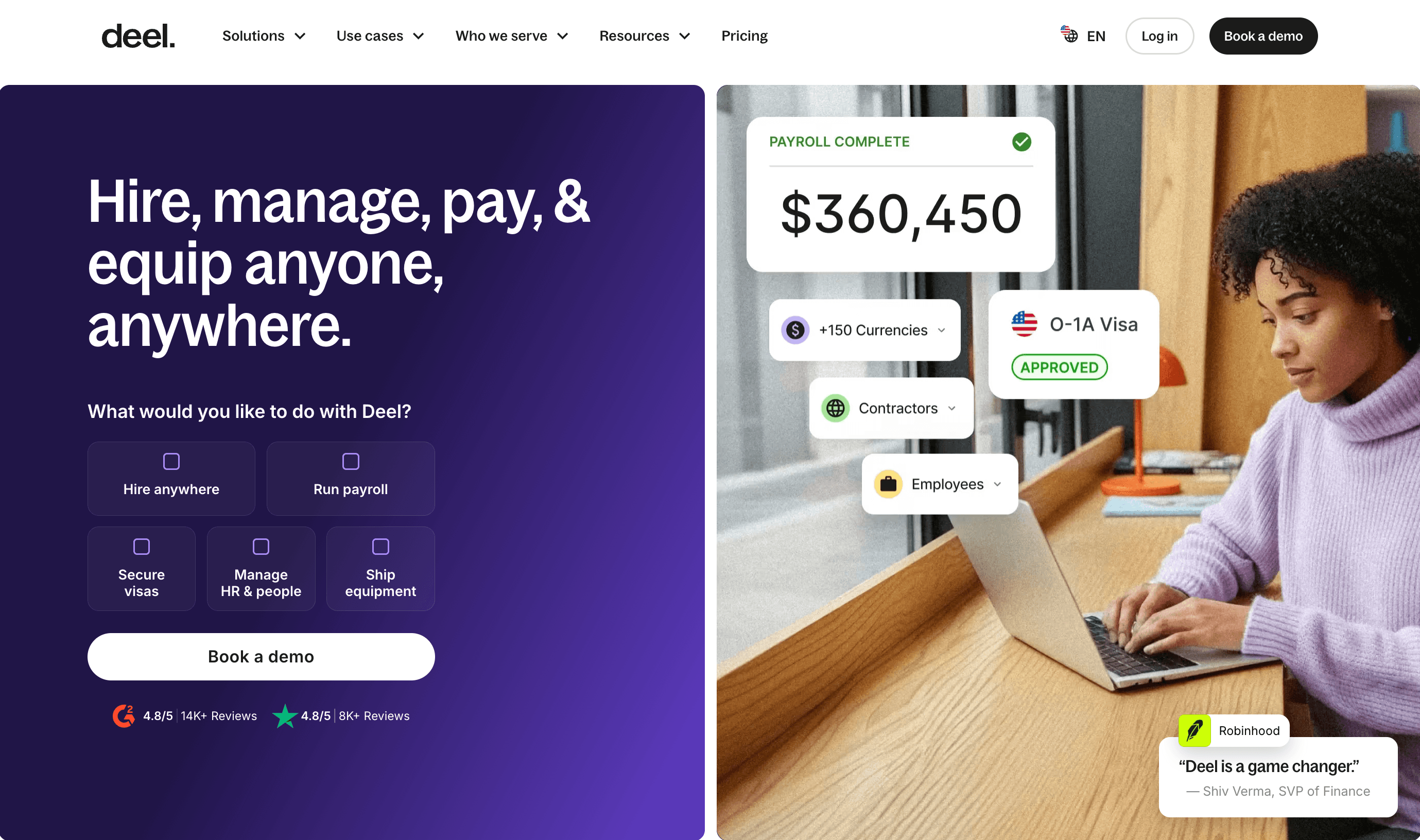
Best for: US companies hiring employees and contractors in 150+ countries and wanting one platform for HR, payroll and EOR.
Key features for remote teams:
- EOR employment and contractor management in 150+ countries, with same‑day contractor onboarding in many cases.
- Global payroll for countries where you own entities, plus multi‑currency payments and localized compliant contracts.
- Built‑in HRIS (Deel HR) with org chart, onboarding/offboarding, leave and expense tracking, and compliance insights.
- Optional immigration/visa support, background checks and equipment shipping.
Pricing (2026):
- Deel HR (Core HR): around $5 per employee per month with no minimum headcount.
- EOR: from about $599 per employee per month on annual billing, with volume discounts reported.
- Contractor management: from $49 per contractor per month.
- Global payroll on your own entities: from around $29 per employee per month.
Who should choose this: Startups and SMBs that want a single, global‑first platform for employees and contractors, especially when speed and coverage matter more than lowest price.
If you're deciding specifically between Rippling and Deel, see my first-hand comparison of Deel and Rippling after using both as a contractor.
3. Payoneer Workforce Management – Best for contractor payments and budget EOR
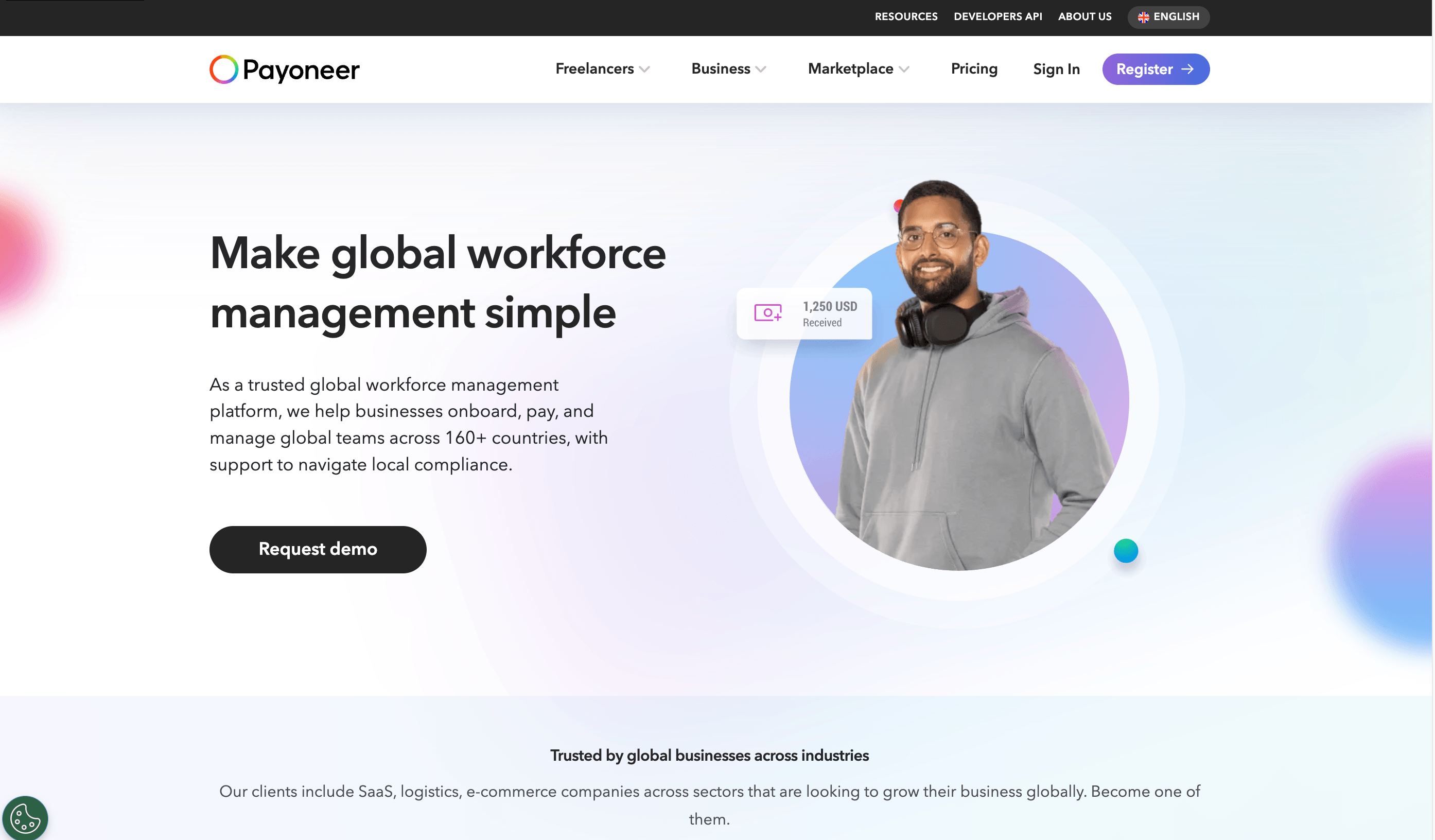
Best for: Teams paying many overseas contractors in multiple currencies and wanting low‑cost EOR where available.
Key features for remote teams:
- EOR, Agent of Record and contractor management across 160+ countries, built on Payoneer’s global payments network.
- Fast multi‑currency payouts and strong coverage in Asia‑Pacific and emerging markets.
- Simple platform focused on compliant international payments and hiring.
Pricing (2026):
- EOR: from $199 per employee per month, with country‑specific surcharges that can push some markets toward $600.
- Contractor management: from $19 per contractor per month; Agent of Record from $99 per contractor per month.
Who should choose this: Companies whose main pain point is paying international contractors and small teams of employees cost‑effectively, especially in APAC and emerging markets.
4. Papaya Global – Best for enterprise multi‑country payroll

Best for: Companies with 50+ international employees across five or more countries needing deep payroll analytics and consolidated reporting.
Key features for remote teams:
- Enterprise‑grade workforce platform covering 160+ countries with advanced payroll analytics and payments infrastructure.
- Consolidated reporting across multiple providers and currencies, useful for finance teams drowning in reconciliation.
- Licensed payments infrastructure suited to regulated industries and large money movements.
Pricing (2026):
- EOR: typically $650–$770 per employee per month, with some tiers starting around $499.
- Own‑entity global payroll: around $25–$30 per employee per month.
Who should choose this: Mid‑market and enterprise organizations running large, multi‑country payrolls and needing finance‑grade reporting and controls.
5. Remote – Best focused Employer of Record
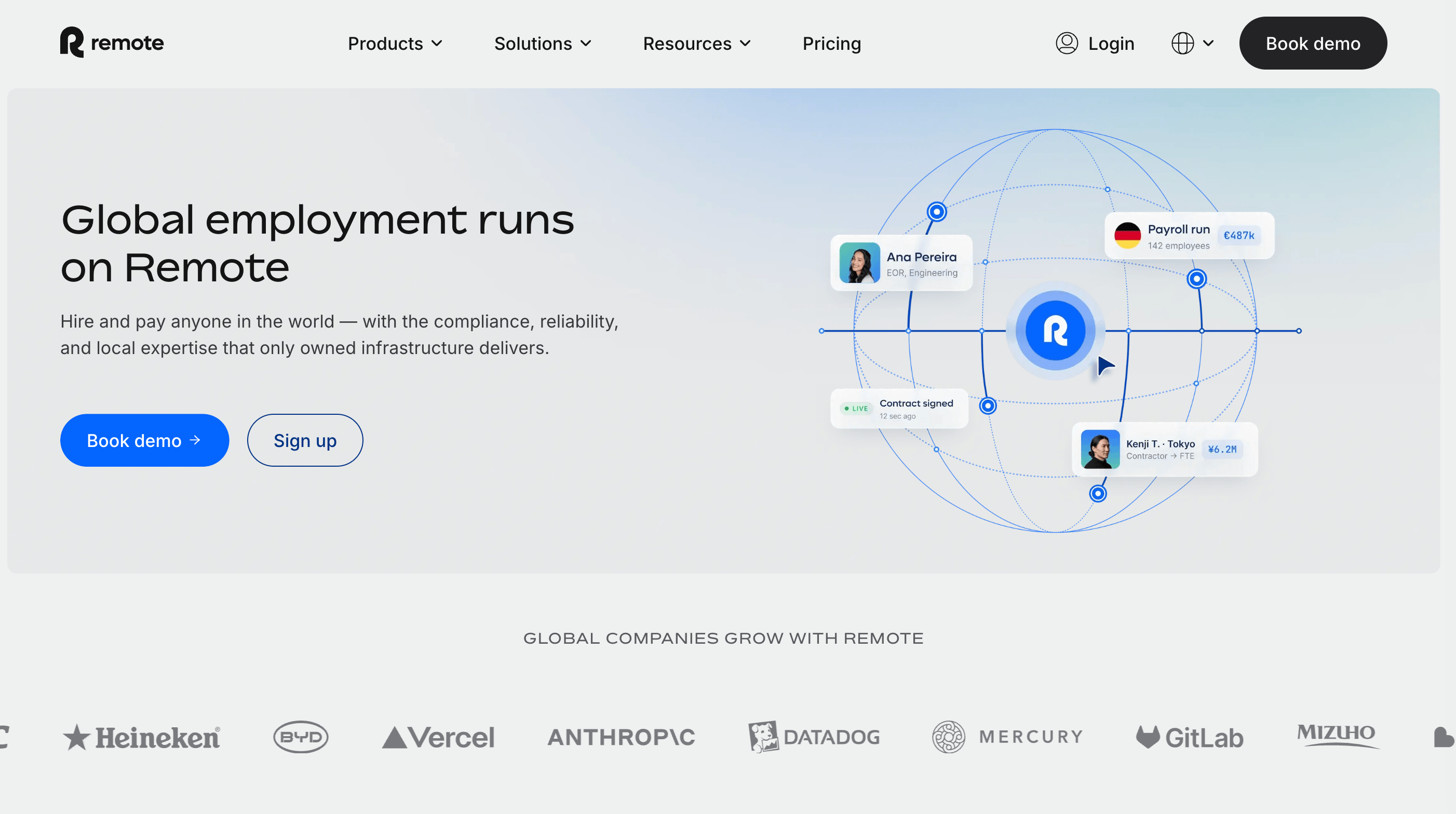
Best for: US companies whose main challenge is compliantly employing a handful of people in specific countries.
Key features for remote teams:
- Employer of Record as the core product, with strong per‑country hiring guidance and compliance.
- Global payroll and contractor management, with an emphasis on correct classification and local benefits.
- Clean hiring flow and dedicated support for international employment.
Pricing (2026):
- EOR: flat $699 per employee per month on monthly billing, or $599 per employee per month with annual prepayment.
- Contractor and payroll pricing is quote‑based and varies by country and headcount.
Who should choose this: Teams that need a best‑in‑class EOR for specific countries and don’t require a full domestic HRIS or IT layer.
6. Oyster HR – Best for employee experience and benefits
Best for: Companies that want to win international candidates with strong localized benefits and a polished onboarding experience.
Key features for remote teams:
- B‑Corp‑certified EOR covering 120+ countries with a focus on localized benefits and employee experience.
- Dedicated customer success managers with 24‑hour response SLA and free training resources (Oyster Academy).
- Simple, flat‑rate EOR pricing without a complex module maze.
Pricing (2026):
- EOR: flat $699 per employee per month, with volume discounts reported around $450–$500 for larger teams.
- Contractor plans: around $29 per contractor per month.
Who should choose this: Organizations where candidate experience, benefits quality and employer brand are key differentiators and budget is secondary.
How to choose the right workforce management software
- Map your team: Clarify how many employees vs contractors you have, and whether they’re US‑only, multi‑state, or spread across multiple countries.
- Define must‑have features: Decide if you need just EOR/contractor payments, or a full HRIS with scheduling, time tracking, and possibly IT/device management.
- Check country coverage and compliance model: Verify that your target countries are covered and whether the provider uses owned entities or local partners.
- Compare total cost: Look beyond headline per‑employee rates; include base platform fees, module costs, FX fees and any setup/offboarding charges.
- Evaluate integrations: Ensure the platform connects with your accounting software, ATS, identity and collaboration tools to avoid data silos.
- Run a pilot: Start with 1–2 hires in your most complex location before rolling out to the whole team.
Is EOR worth the cost? If you’re hiring only a few people abroad and don’t want to set up legal entities, EOR usually saves time, legal risk and admin overhead compared to DIY compliance. Can you use separate tools instead? Yes, but you’ll trade off unified data, automation and often higher total cost from maintaining multiple subscriptions.
FAQs about Top Workforce Management Platforms for Remote Teams
Conclusion / next steps
There is no single “best” workforce management tool for every remote team; the right choice depends on your team size, geography and whether you need unified HR+IT+payroll or mainly EOR and contractor payments. Shortlist 2–3 platforms that match your situation, book demos, and run a small pilot with one or two international hires before committing to a full rollout.
More from
Tools and Apps
category